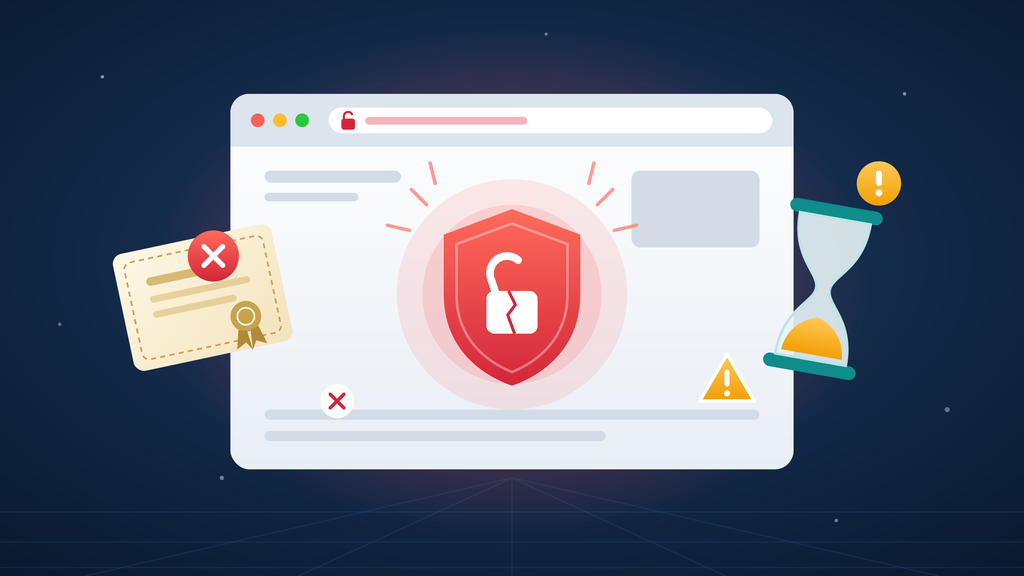
You open your website and, instead of your homepage, you see a bold warning: “Your connection is not private.” Your customers are seeing it too. The cause? An expired SSL certificate.
Don’t panic. An expired SSL certificate is one of the most common website problems, and one of the easiest to fix. This guide explains what’s happening, how to get your site back to normal and how FastSSLArena can help you avoid it next time.
What happens when your SSL certificate expires?
Every SSL certificate has an end date. Once it passes, browsers no longer trust your site, and the effects are immediate.
- Browsers show security warnings. Chrome, Edge, Firefox and Safari display full-page alerts, often with error codes like NET::ERR_CERT_DATE_INVALID.
- Visitors leave. Most people won’t click past a security warning. Instead, they’ll go to a competitor.
- Sales stop. Customers won’t enter card details on a site their browser calls unsafe.
- Your reputation suffers. A warning makes your business look careless, or worse, compromised.
- Connected services can break. Apps, payment gateways and integrations that rely on your certificate may also stop working.
How to tell if you have an expired SSL certificate
- Check the warning – Expiry errors usually mention the date or say the certificate is no longer valid.
- Click the padlock or warning icon – Your browser shows the certificate details, including its expiry date.
- Run a free scan – For instance, tools like the Qualys SSL Labs test show your certificate status and flag any setup issues.
Why SSL certificates keep expiring sooner
Certificates expire on purpose. That’s because shorter lifespans limit the damage if a private key is ever stolen and keep encryption standards up to date.
In addition, industry rules are shortening lifespans even further. The maximum validity dropped to 200 days in March 2026 and is set to fall to 100 days in 2027 and just 47 days by 2029. In short, you’ll renew more often than ever, so a reliable renewal process matters.
How FastSSLArena gets you back online fast
When your certificate expires, every minute counts. FastSSLArena helps you fix the problem fast and stay ahead of the next deadline.
- Quick renewals. Renew or replace your certificate in a few clicks, without the back-and-forth.
- Fast DV options. Get the padlock back within minutes while OV or EV validation runs.
- Built-in CSR tool. Generate a fresh CSR and private key, no technical commands needed.
- Support when you need it. Get help with validation and installation so your site is back up sooner.
- Discounted pricing. Renew trusted brands like DigiCert, Sectigo, Thawte, GeoTrust and RapidSSL at competitive rates.
- All your certificates in one place. Keep track of every certificate and renew on time, every time.
How to stop your SSL certificate from expiring again
- Turn on auto-renewal wherever your provider offers it.
- Renew early. Aim to renew at least 30 days before expiry, especially for OV and EV.
- Keep a certificate list. Record every domain, certificate, provider and expiry date in one place.
- Consolidate where you can. For example, a wildcard or multi-domain certificate means fewer renewals to track.
- Use one trusted provider. Managing all your certificates in one place makes deadlines harder to miss. Our buyer’s guide explains what to look for.
Frequently asked questions
Is there a grace period after an SSL certificate expires?
No. Browsers start showing warnings the moment a certificate expires, so renew as soon as possible.
Is my website still encrypted after the SSL certificate expires?
Browsers treat the connection as untrusted and block or warn visitors, so in practice your site loses its protection and credibility.
Can I renew an expired SSL certificate?
Yes. You can renew or buy a new certificate at any time. Then you’ll complete validation and install the new certificate as usual.
Why does my site still show a warning after renewal?
The most common causes are a missing intermediate certificate, the old certificate still installed on one server, or a cached page. To fix it, reinstall the certificate, clear your cache and test again.
How long does it take to fix an expired SSL certificate?
With a DV certificate, often under an hour. However, OV and EV certificates can take a few days because of business validation.
An expired SSL certificate is a quick fix with the right partner.
Renew with FastSSLArena today and get your padlock back.